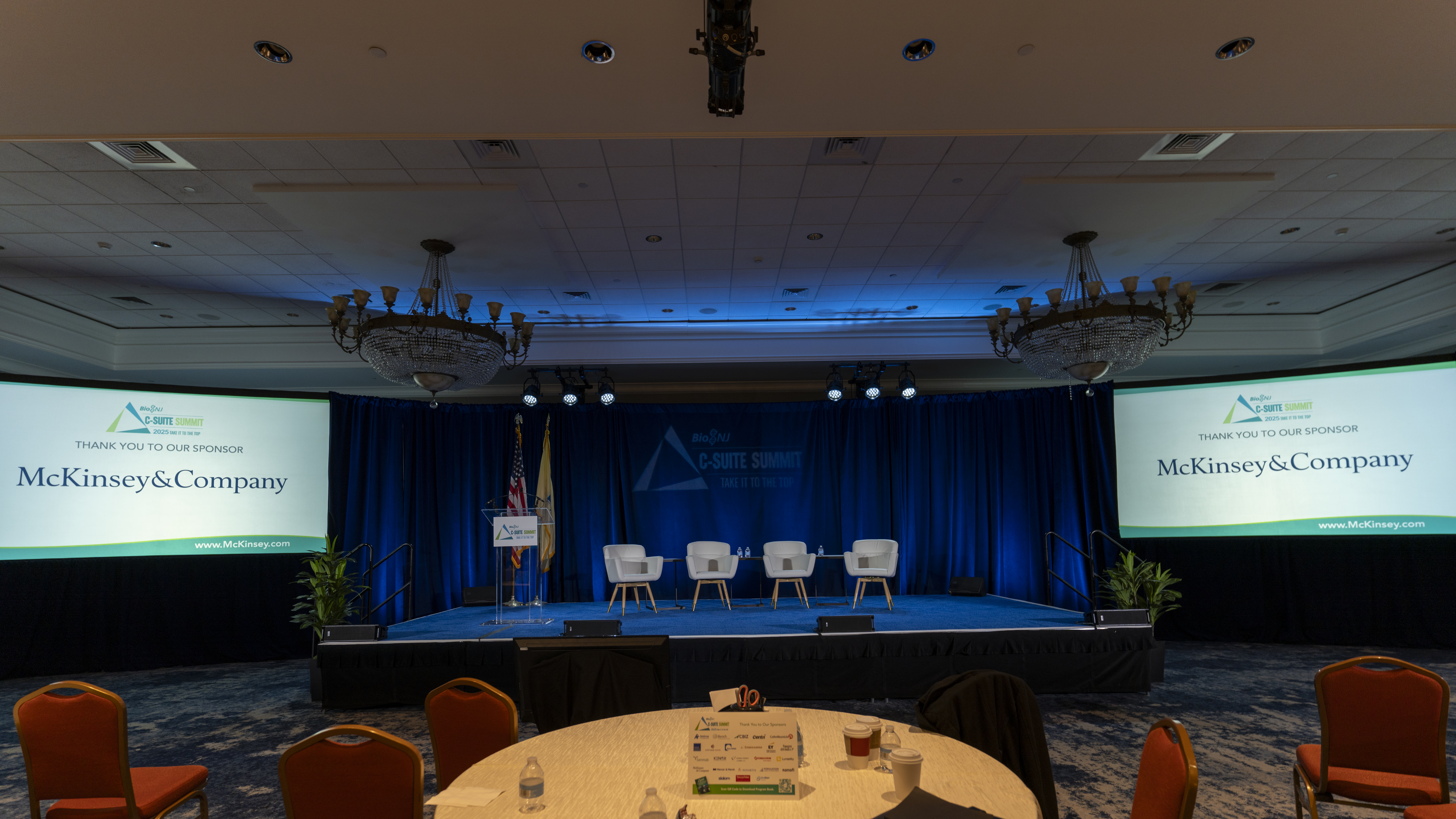

It’s a question that has been debated a lot over the years: Does size matter? What happens if it’s too small? Is there such a thing as too big?
We’re talking, of course, about screen sizes for video presentations. When it comes to meetings, video is no longer a nice-to-have component. Video is now critical to presentations with Powerpoint/Keynote, video conferencing, and produced video content leading the way. So how do you determine what the right size screen is for your event?
Do the Math
Experts sometimes vary on the exact calculation to use, but one thing that always remains consistent is that you must know the distance from the screen to the farthest viewer. You will then divide that number by some variable (depending on content) and use that to determine your ideal screen height. That variable changes for text heavy content (Excel, Powerpoint) versus primarily video content. For the former, a factor of 4 to 6 is generally acceptable. For the latter, a factor between 6 and 8 is a good rule of thumb.
Based on the above, let’s create a hypothetical meeting scenario. A meeting for 200 has been planned in a room that is 30’ x 80’. It has been determined that the screen will be placed on the short wall, and after the floorplan is completed, it is determined that the distance from the screen to the farthest viewer will be 60’. This meeting will feature primarily Powerpoint presentations. Using a factor of 4, the ideal screen size would be 15’ tall (at a factor of 6, the screen should be 10’ tall).

Don’t Forget the Space
In addition to the distance from the viewer, it is also recommended to keep the bottom of the screen 40-48” off of the floor. This will prevent obstructions caused by other seated attendees. Returning to our previous example, this would require the top of the screen to be at 19’. Obviously, not all rooms are going to have 20’ ceilings that allow for the optimal screen size, so compromises may have to be made in order to reach the ideal size. If the screen size is reduced, the planners might want to consider rearranging the floor plan to reduce the distance to the farthest viewer. For instance, in the above example, putting the screen on the long wall might mean that the distance from the screen to the farthest viewer is reduced to 30’ or less, allowing the ideal screen size to be reduced to a height of 7.5’. Another possibility is to use multiple screens, thereby reducing the distance from each viewer to one of the available screens.
Keeping all of these factors in mind, it’s easy to make sure you’ve got the right size screen for any event. If you need help, there are lots of resources online or call Reid AV Services and ask for our advice.